


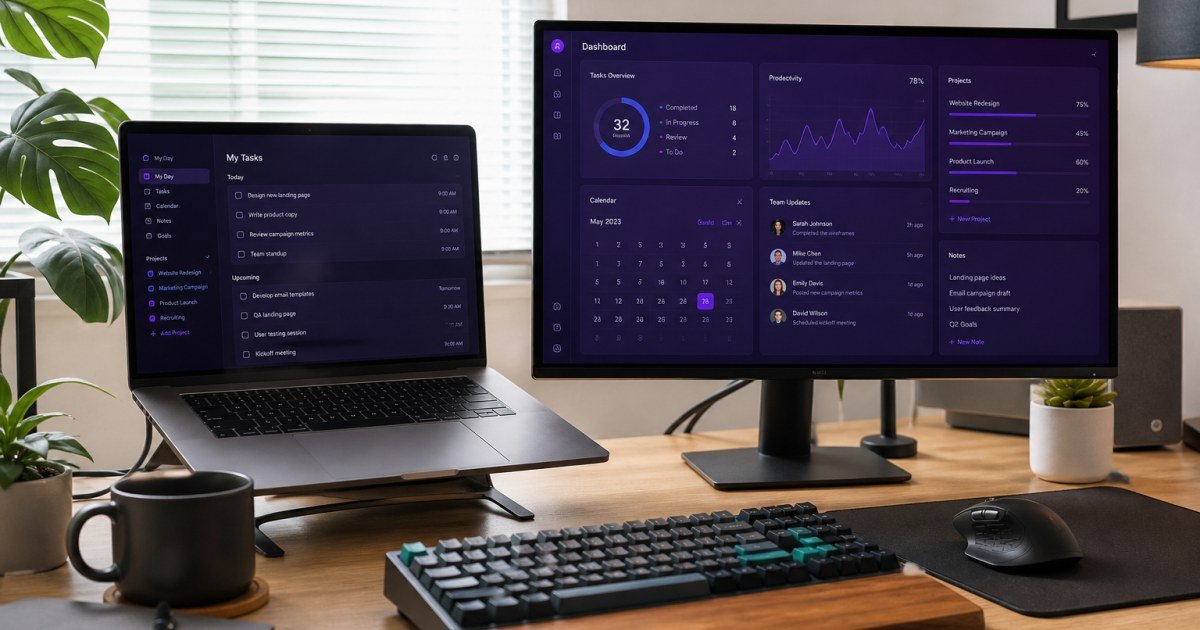
ClickUp promises to replace tasks, docs, goals, and whiteboards in one workspace. For some teams that consolidation is magic; for others it is noise.
Affiliate disclosure: TalkGrove may earn a commission when you buy through links on this page. That never changes our editorial standards or ratings.
What ClickUp Is
ClickUp packs tasks, Docs, whiteboards, dashboards, and chat-like features into a dense product surface.
Key Features and Buying Criteria
Multiple views, custom fields, Docs, Goals, AI writing helpers, and extensive templates. Power users love the depth.
Must-check items before you buy
- Confirm plan limits that affect your real workload
- Ask for all-in pricing including add-ons and seats
- Run a short pilot with a production-like task
- Read cancellation, data export, and refund terms
Pricing Reality in 2026
Generous free tier, but storage, AI, and advanced permissions push serious teams to paid plans.
Who It Is Best For
Best for teams willing to configure. Skip if you want a minimal interface on day one.
Practical Takeaways
- Disable unused ClickApps on day one
- Pilot with one squad before company-wide rollout
- Compare Docs quality against Notion if writing-heavy
Pros and Cons
Pros: feature depth and value. Cons: learning curve and occasional UI clutter.
How TalkGrove Evaluates Tools
We score clarity of pricing, real workflow fit, learning curve, support responsiveness, and whether the product still makes sense after the free trial. Recommendations stay independent even when affiliate links are present.
Further Reading on TalkGrove
Final Verdict
ClickUp is excellent for teams that will invest setup time; it frustrates buyers expecting instant simplicity. Read related TalkGrove reviews and comparisons next, then decide with a written checklist—not a impulse upgrade.