


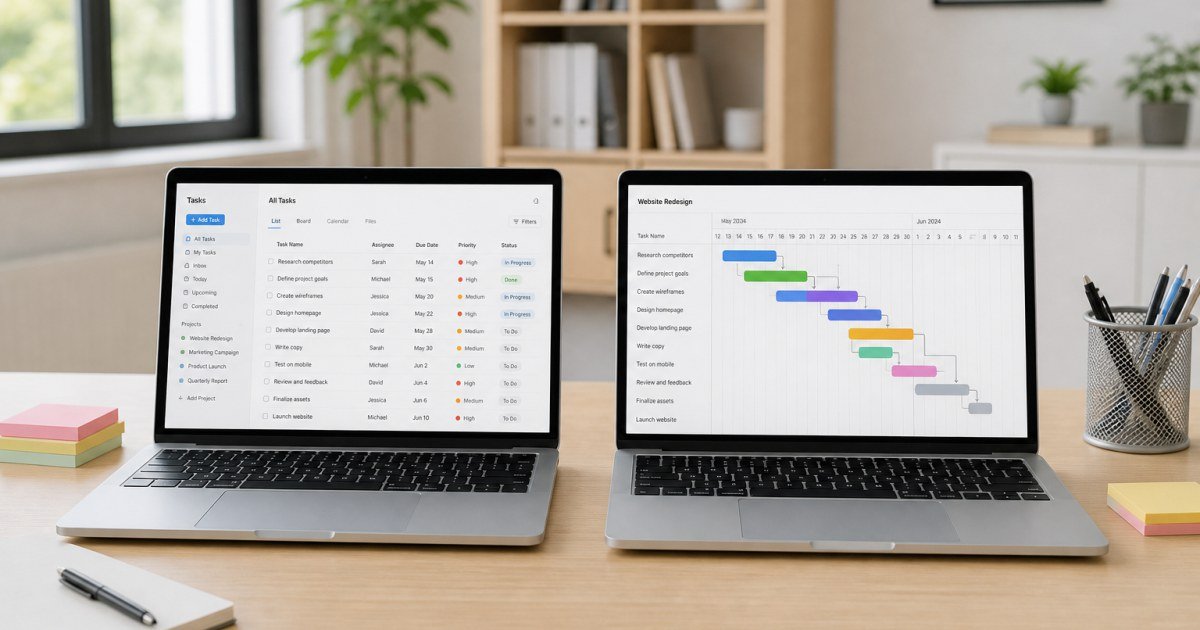
ClickUp and Asana are two of the most common project management finalists for growing teams. Both handle tasks well—the difference is density versus polish.
Affiliate disclosure: TalkGrove may earn a commission when you buy through links on this page. That never changes our editorial standards or ratings.
Quick Verdict
Pick ClickUp for all-in-one flexibility; pick Asana when you want cleaner adoption with less setup.
Key Features and Buying Criteria
ClickUp wins raw breadth; Asana wins guided clarity. Reporting, permissions, and AI extras vary by plan on both sides.
Must-check items before you buy
- Confirm plan limits that affect your real workload
- Ask for all-in pricing including add-ons and seats
- Run a short pilot with a production-like task
- Read cancellation, data export, and refund terms
Pricing Reality in 2026
ClickUp often looks cheaper for feature-heavy needs; Asana’s predictability can win when leadership values polish over knobs.
Side-by-Side Differences
ClickUp
More views, docs, and customization in one place—at the cost of a steeper learning curve.
Asana
Cleaner defaults and excellent timeline clarity for marketing/ops workflows with less configuration.
Who It Is Best For
Choose ClickUp for consolidation. Choose Asana when adoption speed matters more than max customization.
Practical Takeaways
- Run the same project in both trials
- Score admin time as a real cost
- Pick based on the messiest workflow you have
How TalkGrove Evaluates Tools
We score clarity of pricing, real workflow fit, learning curve, support responsiveness, and whether the product still makes sense after the free trial. Recommendations stay independent even when affiliate links are present.
Further Reading on TalkGrove
Final Verdict
Pick ClickUp for all-in-one flexibility; pick Asana when you want cleaner adoption with less setup. Read related TalkGrove reviews and comparisons next, then decide with a written checklist—not a impulse upgrade.