


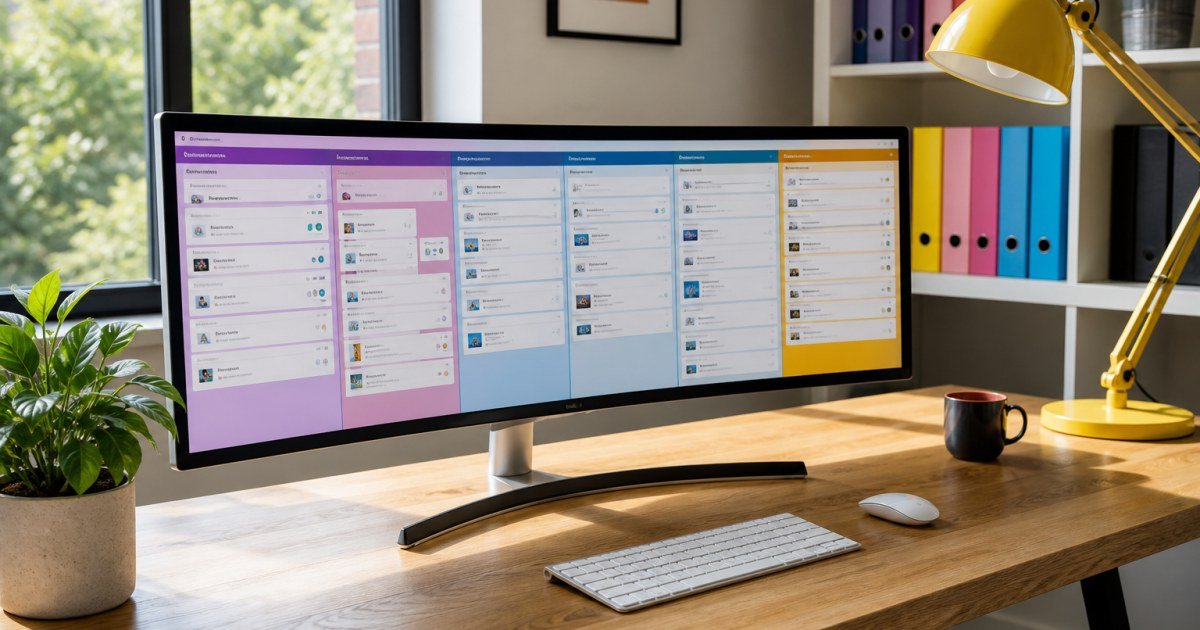
Monday.com markets itself as a Work OS: colorful boards, automations, and dashboards that non-technical teams can shape without writing code.
Affiliate disclosure: TalkGrove may earn a commission when you buy through links on this page. That never changes our editorial standards or ratings.
What Monday.com Is
Monday.com centers work around customizable boards with automations and integrations rather than a single rigid methodology.
Key Features and Buying Criteria
Boards, dashboards, forms, time tracking (plan dependent), CRM-style boards, and an expanding AI assistant for status updates.
Must-check items before you buy
- Confirm plan limits that affect your real workload
- Ask for all-in pricing including add-ons and seats
- Run a short pilot with a production-like task
- Read cancellation, data export, and refund terms
Pricing Reality in 2026
Plans are seat-based with feature gates. Automations and integrations often push teams into higher tiers sooner than expected.
Who It Is Best For
Great for visual planners and agencies. Less ideal if you need deep engineering roadmaps.
Practical Takeaways
- Start with one department board template
- Audit automation limits on your target plan
- Set naming conventions early
Pros and Cons
Pros: flexible boards and friendly UX. Cons: pricing jumps and board sprawl without governance.
How TalkGrove Evaluates Tools
We score clarity of pricing, real workflow fit, learning curve, support responsiveness, and whether the product still makes sense after the free trial. Recommendations stay independent even when affiliate links are present.
Further Reading on TalkGrove
Final Verdict
Monday.com shines when non-technical teams need flexible boards and automations—not when you only need lightweight tasks. Read related TalkGrove reviews and comparisons next, then decide with a written checklist—not a impulse upgrade.