


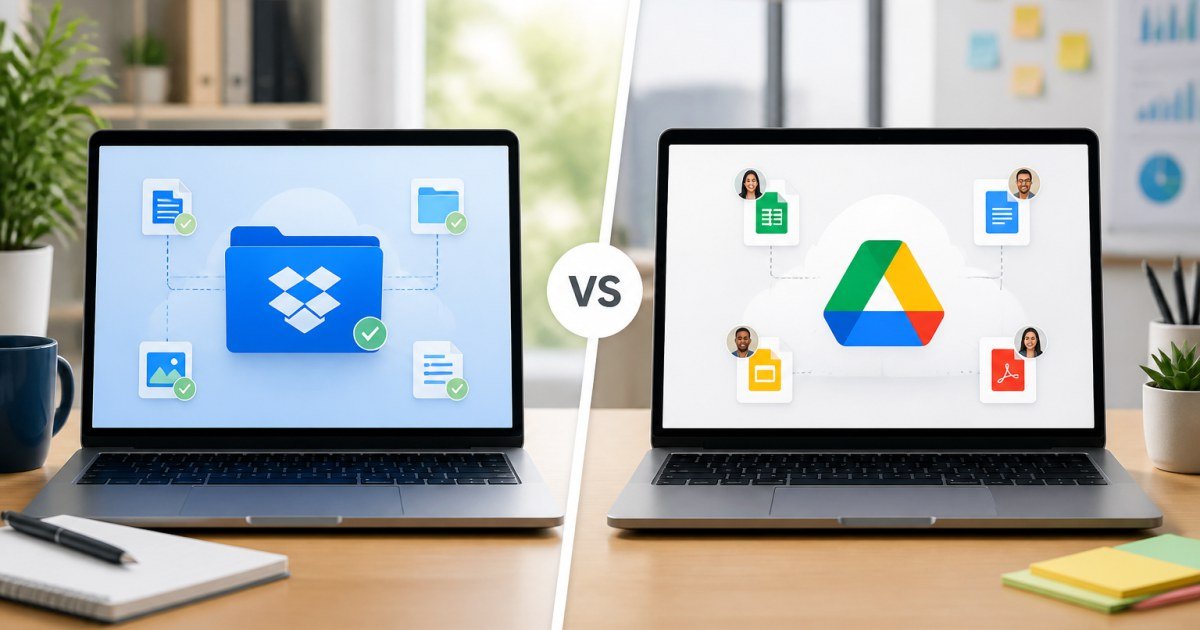
Cloud storage choice affects every handoff. Dropbox and Google Drive both sync files; collaboration assumptions and admin controls differ enough to matter.
Affiliate disclosure: TalkGrove may earn a commission when you buy through links on this page. That never changes our editorial standards or ratings.
Quick Verdict
Pick Google Drive inside Workspace-heavy orgs; pick Dropbox when reliable file sync/sharing is the product.
Key Features and Buying Criteria
Drive wins Google Workspace document collaboration. Dropbox often feels better as a dedicated file layer beside other suites.
Must-check items before you buy
- Confirm plan limits that affect your real workload
- Ask for all-in pricing including add-ons and seats
- Run a short pilot with a production-like task
- Read cancellation, data export, and refund terms
Pricing Reality in 2026
Compare business plans by storage + user minimums. Watch third-party app ecosystem needs.
Side-by-Side Differences
Dropbox
Strong sync reputation and sharing controls many teams still prefer for file-centric work.
Google Drive
Best when Docs/Sheets collaboration is already the company default.
Who It Is Best For
Google-first companies should default Drive; mixed OS/file-heavy teams should trial Dropbox seriously.
Practical Takeaways
- Standardize naming conventions before migrating
- Check desktop sync behavior on large folders
- Set external sharing rules on day one
How TalkGrove Evaluates Tools
We score clarity of pricing, real workflow fit, learning curve, support responsiveness, and whether the product still makes sense after the free trial. Recommendations stay independent even when affiliate links are present.
Final Verdict
Pick Google Drive inside Workspace-heavy orgs; pick Dropbox when reliable file sync/sharing is the product. Read related TalkGrove reviews and comparisons next, then decide with a written checklist—not a impulse upgrade.