


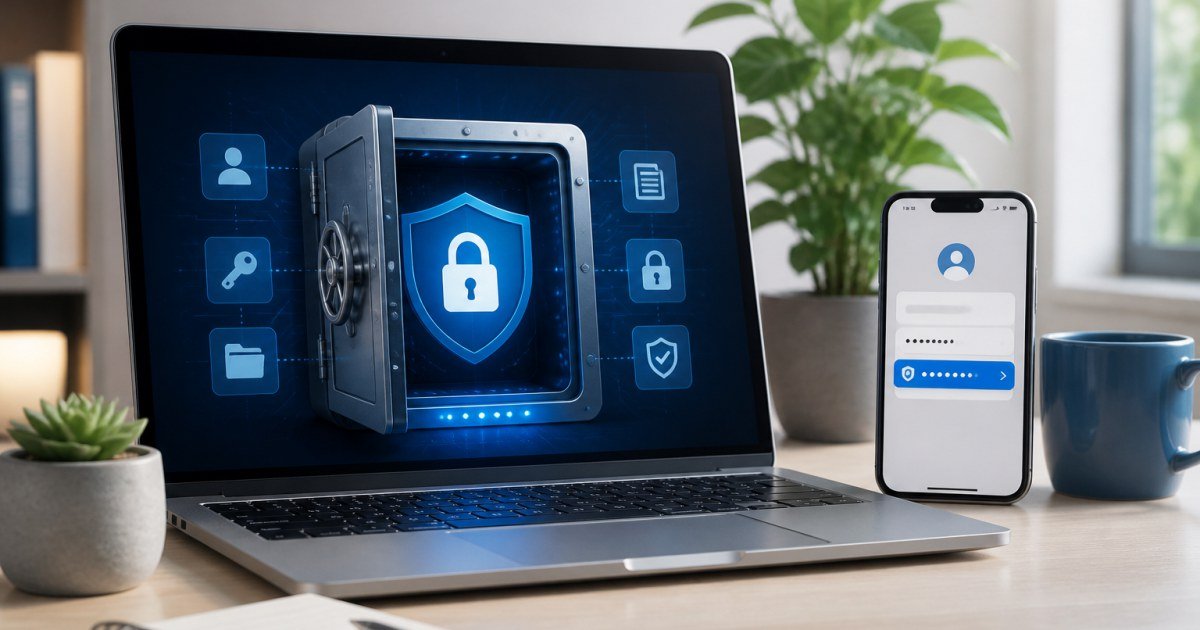
Bitwarden is the open-source password manager many TalkGrove readers should try before paying for premium UX elsewhere. In 2026 it remains the value benchmark.
Affiliate disclosure: TalkGrove may earn a commission when you buy through links on this page. That never changes our editorial standards or ratings.
What Bitwarden Is
Bitwarden stores encrypted vaults with apps/extensions across major platforms and a transparent open-source posture.
Key Features and Buying Criteria
Autofill, TOTP storage, sharing, emergency access patterns, and org/team features on higher plans cover most needs.
Must-check items before you buy
- Confirm plan limits that affect your real workload
- Ask for all-in pricing including add-ons and seats
- Run a short pilot with a production-like task
- Read cancellation, data export, and refund terms
Pricing Reality in 2026
Free is unusually capable; Premium and Families are inexpensive versus the cost of account takeover.
Who It Is Best For
Best default for value seekers. Switch to 1Password mainly for polish preferences, not missing basics.
Practical Takeaways
- Enable 2FA on your Bitwarden account
- Import then rotate reused passwords
- Use collections/sharing instead of plaintext sends
Pros and Cons
Pros: price, openness, solid core features. Cons: some users prefer 1Password UX chrome.
How TalkGrove Evaluates Tools
We score clarity of pricing, real workflow fit, learning curve, support responsiveness, and whether the product still makes sense after the free trial. Recommendations stay independent even when affiliate links are present.
Final Verdict
Bitwarden is TalkGrove default password manager recommendation for most people in 2026—capable free tier, fair premium, serious security basics. Read related TalkGrove reviews and comparisons next, then decide with a written checklist—not a impulse upgrade.