


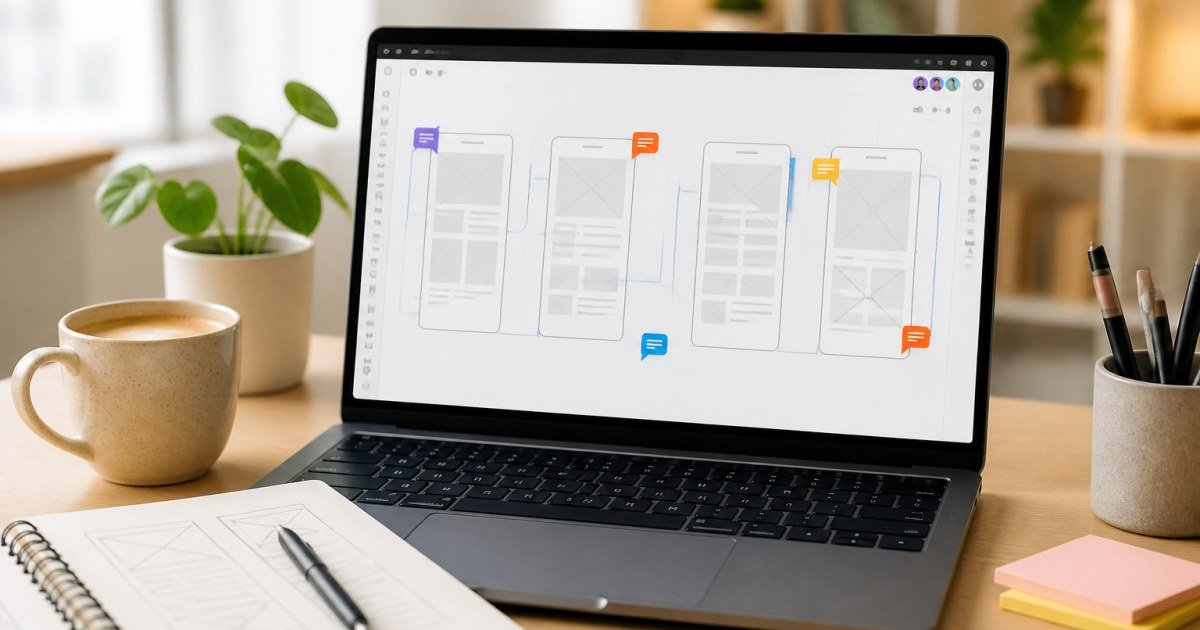
You do not need to be a product designer to get value from Figma. Marketers and founders can use it for wireframes, feedback, and lightweight layouts if they stay disciplined.
Affiliate disclosure: TalkGrove may earn a commission when you buy through links on this page. That never changes our editorial standards or ratings.
Why This Guide Matters
This guide shows a minimal Figma workflow: duplicate a template, edit text/images, leave comments, and export.
Key Features and Buying Criteria
Focus on frames, constraints at a basic level, components you should not detach casually, and commenting for feedback.
Must-check items before you buy
- Confirm plan limits that affect your real workload
- Ask for all-in pricing including add-ons and seats
- Run a short pilot with a production-like task
- Read cancellation, data export, and refund terms
Pricing Reality in 2026
Free/educational tiers help solos; paid seats matter for real-time multiplayer brand files.
Who It Is Best For
Perfect as a collaboration layer. Not a reason to abandon Canva for every Instagram story.
Practical Takeaways
- Never edit the master component without asking
- Use comments instead of Slack screenshots when possible
- Keep a “marketing playground” file separate from product UI
How TalkGrove Evaluates Tools
We score clarity of pricing, real workflow fit, learning curve, support responsiveness, and whether the product still makes sense after the free trial. Recommendations stay independent even when affiliate links are present.
Final Verdict
Non-designers should use Figma for structured collaboration—and keep Canva for high-volume social speed. Read related TalkGrove reviews and comparisons next, then decide with a written checklist—not a impulse upgrade.